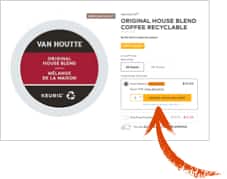
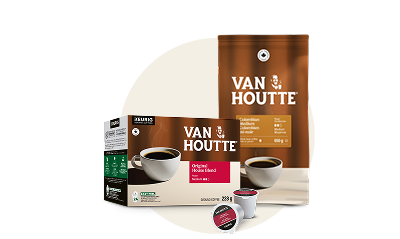
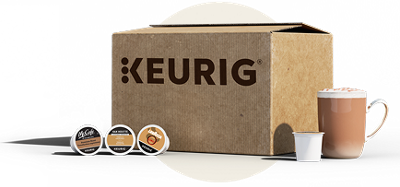
Get a coffee maker for $0. This offer provides the choice of a free K-Mini® or K-Mini Plus® coffee maker. Offer is valid with a purchase commitment of 24 boxes of K-Cup® pods over a 12-month period. Customers must place 6 orders with a minimum of 4 boxes per order to reach the required total. This promo also applies to 340 gram bags and 908 gram cans.
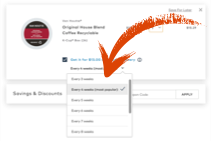
The first 6 orders count towards the annual commitment. Subsequently, each recurring order falls under the Auto-Delivery program, which provides 15% off a wide selection of K-Cup® pods. The frequency of the orders will be designated by the customer in the applicable section.
If the 12-month commitment is not satisfied, we will charge you the balance of the list price of the coffee maker. The balance will be calculated based on the list price from the date of initial purchase and the Auto-Delivery enrollment. Credit cards on file for an Auto-Delivery subscription program must have an expiration date of more than 12 months from the initial coffee maker purchase date. The offer is limited to one email address and one shipping address per subscription.
Once the 24 box commitment is reached, you will continue to remain within the Auto-Delivery program and continue to receive 15% off select beverages. At this point you can also cancel your commitment without any penalties. This promotion does not apply towards previously purchased merchandise. Offer subject to change or cancellation without prior notice. Shipping surcharges may apply for locations outside of metropolitan areas. Cannot be combined with any other offer, coupon, or promotion. Offer not valid at retail outlets or other websites that sell Keurig® products.